Kontify
Accounting that follows the business
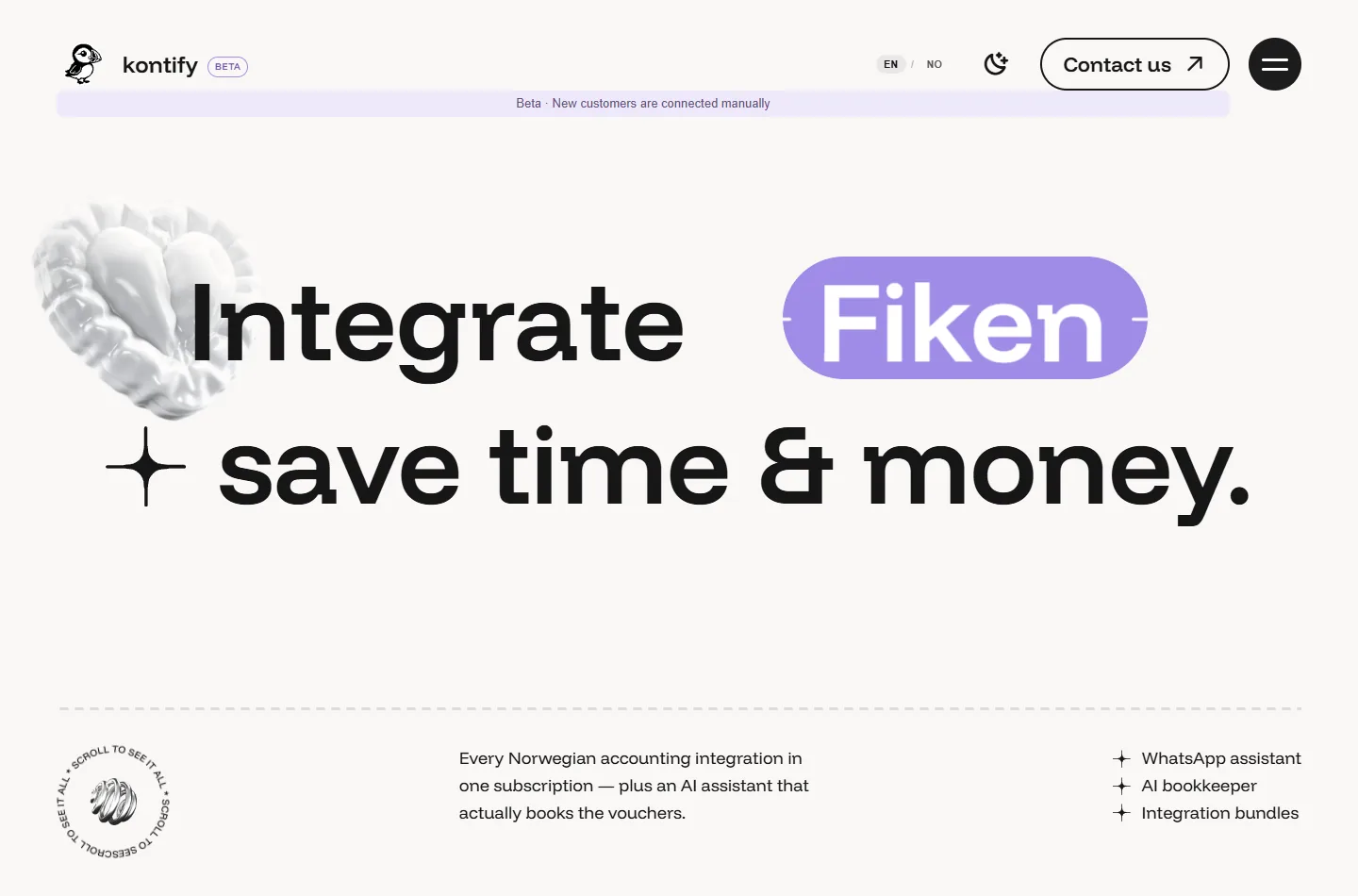
Public website capture · Kontify
Why I built it inside my own shop
Kontify began with work I was doing repeatedly in ÅlesHund: entering customer details, creating and sending invoices, and collecting supplier documents for accounting. The difficulty went beyond the software. I was running a business in Norway without complete fluency in Norwegian, while accounting services and separate connectors added cost and administration.
I wanted a tool that could work with the store and accounting system I already used. I developed Kontify with AI assistance, choosing the workflows and checking the records it produced. It has been in use in my own business since around February–March 2026 and continues as a working beta.
Two entry points into the same accounting work
The first entry point is a store order. In the earlier WooCommerce setup, I waited for completion before starting invoicing. At dispatch I added tracking details in WooCommerce, the customer received a shipment email, and Kontify triggered the invoice in Tripletex. The system had to bring together the current order, the correct customer, invoice details and the outgoing email.
The second entry point is a supplier document. Before preparing an MVA reporting period, I collected PDFs into a folder and had an agent process the corresponding documents or operations into the accounting system. I then checked the results. On several batch runs I reconciled the processed figures manually and found them matching during those checks. That review step remained important: having documents processed was useful only if I could follow what had reached the books.
The product also provides accounting chat through text and voice. Instead of opening several screens to find routine information, I can ask about documents in a month, MVA or recent sales. The interface is another way into the accounting context, alongside the document and order workflows.
Two accounting paths
A completed order that never reached the connector
One concrete reliability issue appeared in the WooCommerce integration. The shop had been connected before automatic webhook registration existed, and its hooks still pointed at old destinations. Completed orders were present in the shop but had not reached Kontify's invoicing process.
I used AI-assisted development to address the connection lifecycle, rather than only processing the missed orders once. The design added three layers. A new connection registers the required order-created and order-updated hooks. A background check examines existing connections and repairs missing or stale Kontify hooks. The same scheduled process looks for recently changed eligible orders without a matching invoice record and routes them through the invoicing pipeline.
That recovery path also needs to coexist with ordinary webhook delivery. The implementation checks for existing records and claims the email-send step so that two routes do not both send the same invoice. Errors are isolated per order, allowing the rest of a recovery pass to continue. The historical incident was resolved by reprocessing the missed orders, with the invoice PDFs reaching the outgoing emails.
Testing the connection beyond a successful API response
An April end-to-end check followed test orders through WooCommerce, Tripletex and Brevo. It caught a specific problem: the invoice was created and an email was sent, but fetching the PDF failed because the accounting API rejected the requested response type. Adjusting the request header allowed the following test run to retrieve the PDF and attach it to the email.
This is why the result needs checking across the whole chain. An invoice record alone does not establish that the customer received its attachment, and an email alone does not establish that the correct payment state reached accounting. The connector work includes those handoffs, not just the first request.
A smaller interface for work away from the desk
The full dashboard was inconvenient for quick phone tasks, so I built a reduced mobile interface for uploading documents, creating invoices and using the accounting chat. I use it in WebView and also packaged an Android APK.
The mobile release exposed a different implementation issue: a dynamic invoice-detail route did not fit the app's static-export build. The fix used a static detail page with the invoice identifier supplied as a query parameter. The build then succeeded, and the released mobile pages and APK metadata were checked. It is a small example of adapting the feature to the actual deployment model rather than treating desktop and mobile as identical builds.
The current accounting connection
ÅlesHund's new Medusa store now passes eligible new orders through Kontify to Fiken. Order completion, payment capture and fulfilment remain separate states. The earlier WooCommerce-to-Tripletex story explains how the connector developed; the current business uses the new accounting path.
Kontify is still being refined around real use, with manual onboarding. I can help when a client needs document intake, a store-to-accounting connection or a simpler operational interface—and someone to follow the process through its failure cases and review the result.